Plans, usage & billing
DatIQ is sold in one unit: credits.
DatIQ is sold in one unit: credits. One credit is one page fetch, and everything else is priced as a multiple of it — so there is a single number to watch rather than a separate allowance per screen.
| What it costs | Credits |
|---|---|
| Reading a page (extraction, batch row, monitor check) | 1 |
| A fast AI call | 2 |
| A deep AI call | 5 |
| Enriching one account-list row | 3 |
| A Discoverability audit | 19 |
Plans
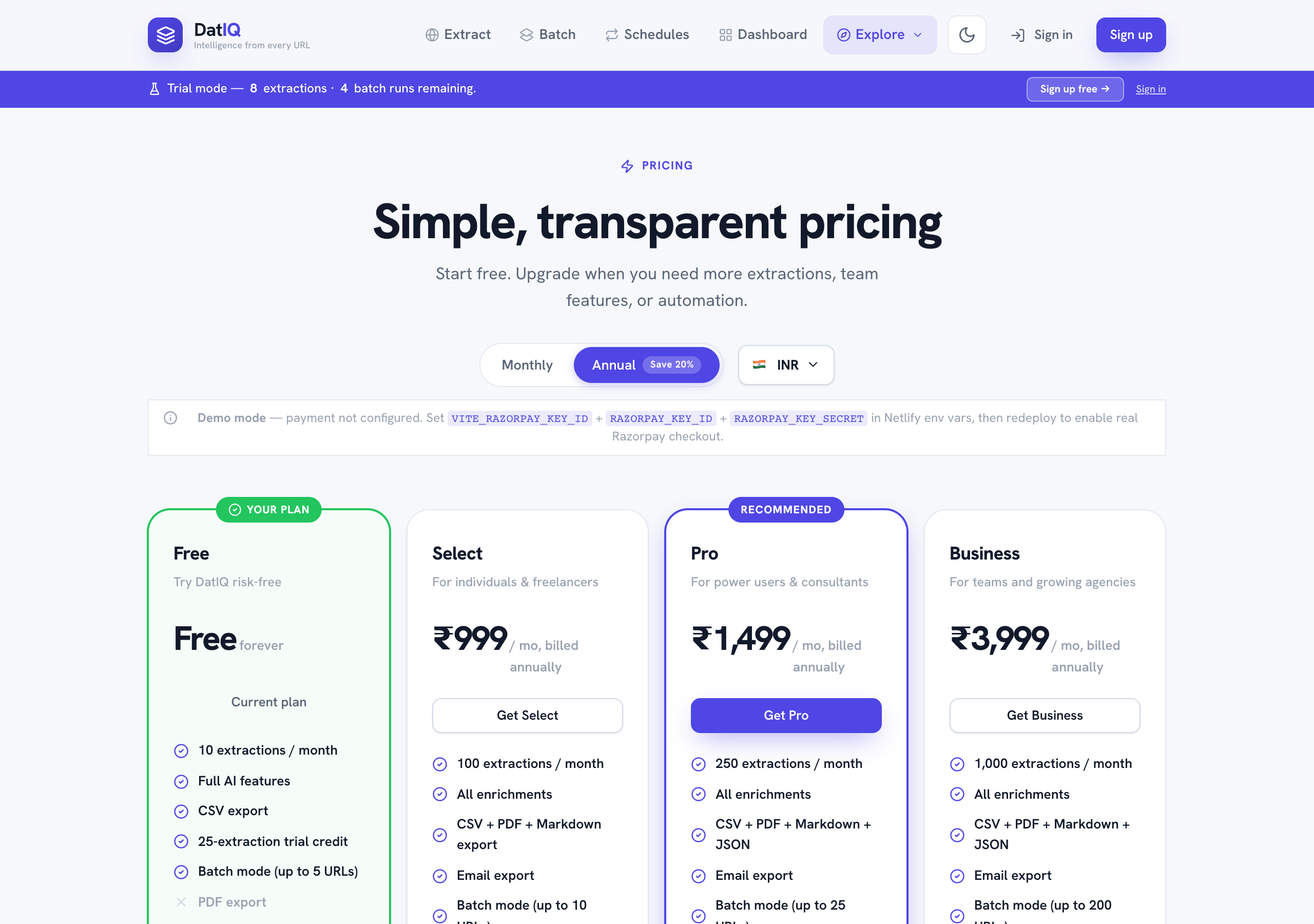
Prices are set separately in US dollars and Indian rupees — the rupee price is its own number, not a conversion, so the figure you are quoted is the figure you are charged. Annual billing is billed twelve months upfront and works out cheaper per month.
| Plan | Per month | Credits / month | Batch | Bulk list | Monitors |
|---|---|---|---|---|---|
| Free | Free | 100, one-time | 5 | — | — |
| Go | $5 · ₹490 | 750 | 20 | 20 | — |
| Select | $15 · ₹1,449 | 2,500 | 50 | 50 | 5 |
| Pro | $25 · ₹2,449 | 6,000 | 100 | 100 | 10 |
| Developer | $55 · ₹5,449 | 25,000 | 250 | 250 | 10 |
| Business | $85 · ₹7,849 | 40,000 | 250 | 250 | 25 |
| Agency | $200 · ₹19,449 | 100,000 | 500 | 500 | 100 |
Free's 100 credits are granted once and never reset. Every paid plan's credits renew monthly and roll over for one month, so you can hold at most two months' worth — unused credits are not lost the moment the month turns, and they do not accumulate for ever either.
Integrations and signal routing start at Select; API access, extra seats and white-label PDFs at Business. Enterprise is custom volume and terms — contact sales.
Credit packs and capacity add-ons
Two different things, and the difference matters:
- Credit packs buy credits outright — 500 for $5 / ₹490, 2,000 for
$19 / ₹1,849, 10,000 for $89 / ₹8,719. They work on any plan including Free, and they never expire.
- Capacity add-ons buy the right to do something: a Scheduled Monitor slot
($5 / ₹490), a Batch Pack of 50 extra rows ($9 / ₹879), an Extra Workspace ($19 / ₹1,849). The doing still costs credits — an add-on raises a ceiling, it does not come with a budget attached.
Your price is fixed for the period you paid for
If DatIQ's prices or plan limits change while you are subscribed, nothing you bought gets worse. For the rest of the period you have paid for you keep the price you were charged and the limits you bought, and if a limit goes up you get the increase straight away. The new pricing applies when you renew, not before — so a change is never something you discover mid-month.
What each capability draws on
Everything spends from the one pool. What differs is the ceiling a plan puts on a single run:
| Capability | Costs | Bounded by |
|---|---|---|
| Single extraction, enrichment, template runs | Credits | Your credit pool |
| Batch extraction | 1 credit per page | Your plan's batch size |
| Bulk account lists | 3 credits per row | Your plan's bulk list size |
| Scheduled monitors and competitor watchlists | 1–2 credits per check | Your plan's monitor slots |
| Signal routing rules | Free to dispatch | Included wherever integrations are (Select and above) |
| Discoverability audits | 19 credits per run | Your credit pool |
| Exporting and sharing a report | Nothing | Free on every plan, including Free |
Knowing the cost before you spend it
Any job that reads more than one page — a template run, a bulk list, a watchlist check — shows you an estimate before it starts: how many pages it expects to read and how many AI calls it expects to make. Nothing is spent until you confirm.
Afterwards, the usage ledger on your Account screen records what each job actually consumed, itemised by what it was spent on. Estimates and actuals are reconciled, so if a job costs materially more than it quoted you can see that it did, rather than discovering it at the end of the month.
Manage everything from the Account screen: your current plan, usage this month, usage alerts, coupon entry, and payment history. Before any charge, a confirmation shows the full breakdown (including taxes where applicable).
A detailed plan comparison matrix sits below the plan cards on the pricing page — it lists every capability by tier so you can see at a glance which plan unlocks what.
Invoices & receipts
Every completed payment produces its own numbered, itemised document, listed under Invoices & receipts on the Account screen.
- You get it automatically. A copy is emailed to you as a PDF attachment as soon as the payment
completes — you do not have to ask for it or download it to have a copy.
- View, download, or re-send. Open any document to see the full breakdown line by line, download
the PDF again, or have it emailed to you a second time. Re-sending always goes to the address on your account, never to an address typed into the page.
- Receipt or tax invoice. Where DatIQ is registered for tax in your region, the document is a full
tax invoice showing the tax split; elsewhere it is a payment receipt that states it is not a tax invoice. Either way the amounts reconcile exactly to what you were charged.
- Documents are permanent records. An issued document is never edited or re-numbered. If something
needs correcting, a separate credit note is issued against it, so your records and ours always match.
- They outlive the subscription. Your billing documents stay available to you even if you cancel or
your plan lapses.
If a plan lapses
If a paid plan ends without renewing, the account moves through clearly-signposted stages rather than disappearing:
- Suspended — a banner explains the state. Your saved data is intact, and renewing restores full
access immediately.
- Deactivated — after a further period, if still unrenewed.
You are emailed at each stage, and again before anything is removed, so a lapse is never silent. Scheduled monitoring pauses while a plan is lapsed and resumes automatically when you renew — schedules you paused yourself stay paused. Renewing at any stage puts everything back.
What you have used
Alongside your plan, the Account screen shows:
- Credits — how many you have left, and how many your plan renews with each month. If you are
holding more than a month's worth, that is last month's rollover.
- Discoverability — audits run (19 credits each, from the same pool as everything else), how many
distinct pages you have audited, how many monitors are running, and your average score across them.
- Usage by role — which persona was in use when each unit was spent, so on a team plan you can see
which role is consuming the allowance. This started being recorded recently, so a month from before then says so rather than showing zeros.
Freezing your account
Freeze stops everything that consumes your allowance — extractions, enrichments and discoverability audits — for you and every team member. Reading and exporting keep working, so nothing becomes unreachable, and you can unfreeze at any time.
Freezing does not pause billing. Your subscription continues to be charged for the period you are on.
Freezing is a way to stop usage, not a way to stop paying. To stop paying, change or cancel your plan.
You can also pause a single team member from Workspace → Team instead of freezing the whole account. A paused member keeps read and export access and keeps their seat — pausing is not a way to free up a seat. The workspace owner cannot be paused by anybody, including themselves.
Deleting your account
Delete account removes your account and everything in it — extractions, audits, schedules, workspaces and team members. You confirm by typing DELETE.
Deletion is scheduled 30 days out, not immediate. During those 30 days your account is frozen, nothing is charged for usage, you can still read and export your data, and you can cancel at any point and go straight back to normal. Invoices are retained after deletion, because we are required to keep them.