Your Dashboard
The Dashboard is your saved archive.
The Dashboard is your saved archive. Every extraction (single, batch, or scheduled) is saved here automatically.
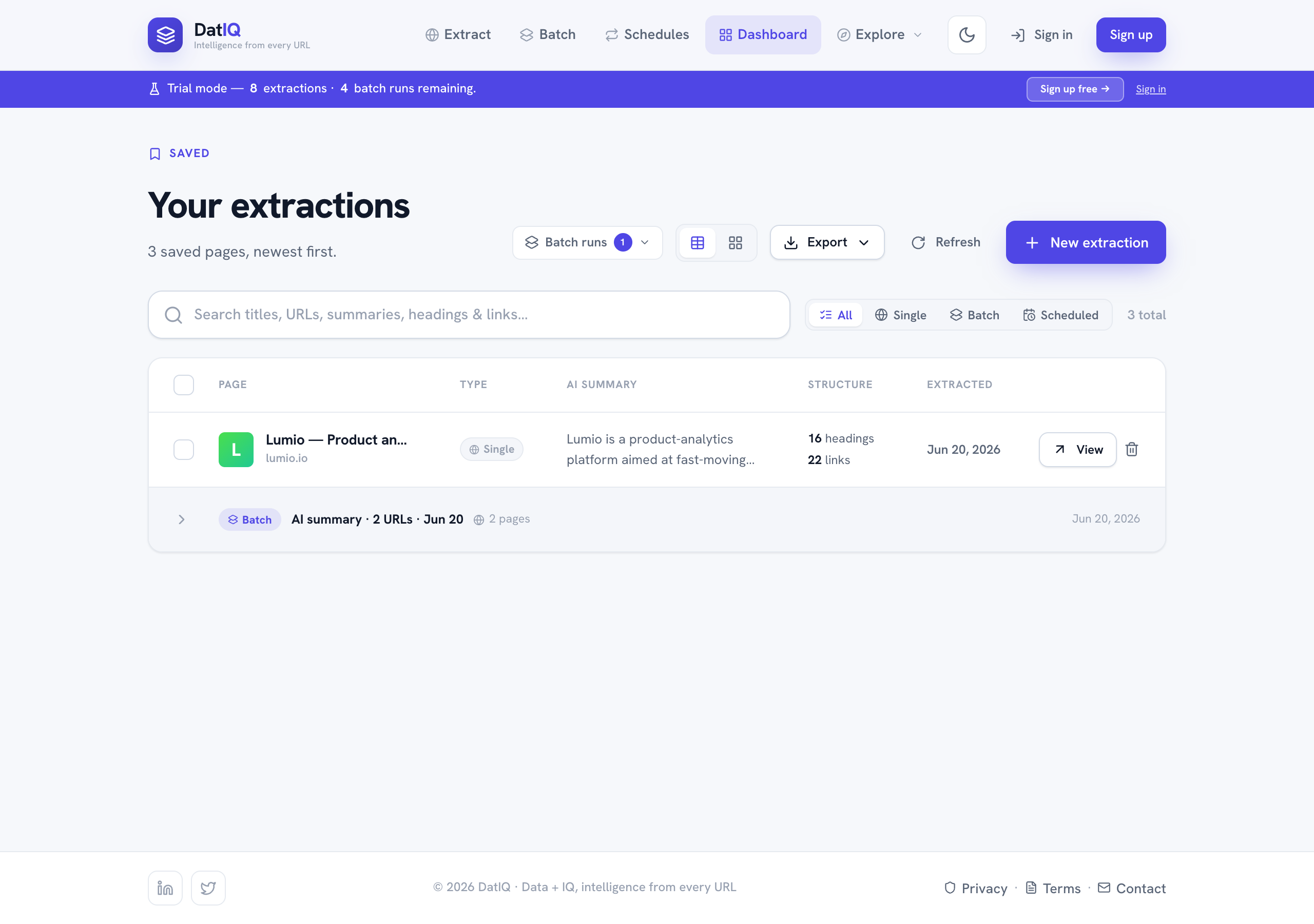
Features:
- Search across your saved pages.
- Type filter — All / Single / Batch / Scheduled, with a chip on each row showing where it came from.
- Grouping — batch runs and scheduled runs collapse into a single parent row you can expand; single extractions stand alone.
- Table or card view — switch with the layout toggle.
- Batch runs — reopen any past run's full results, failures included.
- Export ▾, Push ▾, and Refresh sit together in the toolbar.
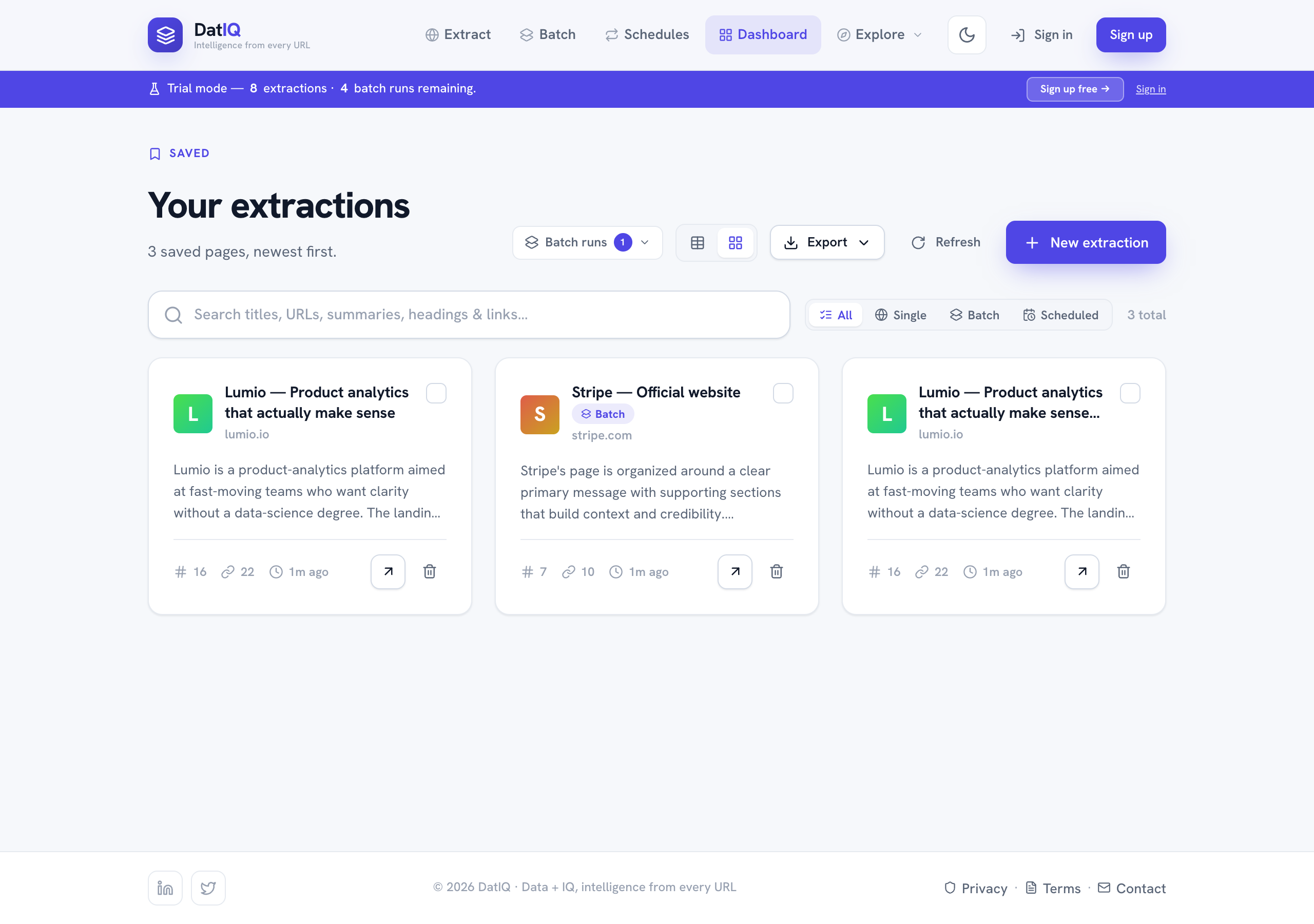
Working with selections: tick one or more rows and a selection row appears beside the filters with Generate (content), Email, and a count you can Clear. Export ▾ and Push ▾ stay in the toolbar and follow your selection: with rows ticked they act on those rows, and with nothing ticked they act on everything currently filtered — so "Export all 8" and "Push to (8)" always agree. Each row also has View (open in Preview) and Delete.
Signed out? Your pages are saved in this browser only
You can extract without an account, and those pages are saved — but only in the browser you used. Clearing site data or switching browsers loses them. The Dashboard says so plainly at the top, telling you how many pages are browser-only. Sign in and DatIQ moves them onto your account for you — nothing to re-run and nothing to re-import.