What you can extract
Below the input box is "What do you want to extract?" with a row of intent chips.
Below the input box is "What do you want to extract?" with a row of intent chips. Pick one before you extract:
| Intent | What you get |
|---|---|
| AI summary | A plain-language overview of the page, plus its heading outline and links. |
| Find contacts | Leadership names, role titles, and any contact emails the page exposes. |
| Scrape pricing | Structured pricing tiers and plan details from a pricing page. |
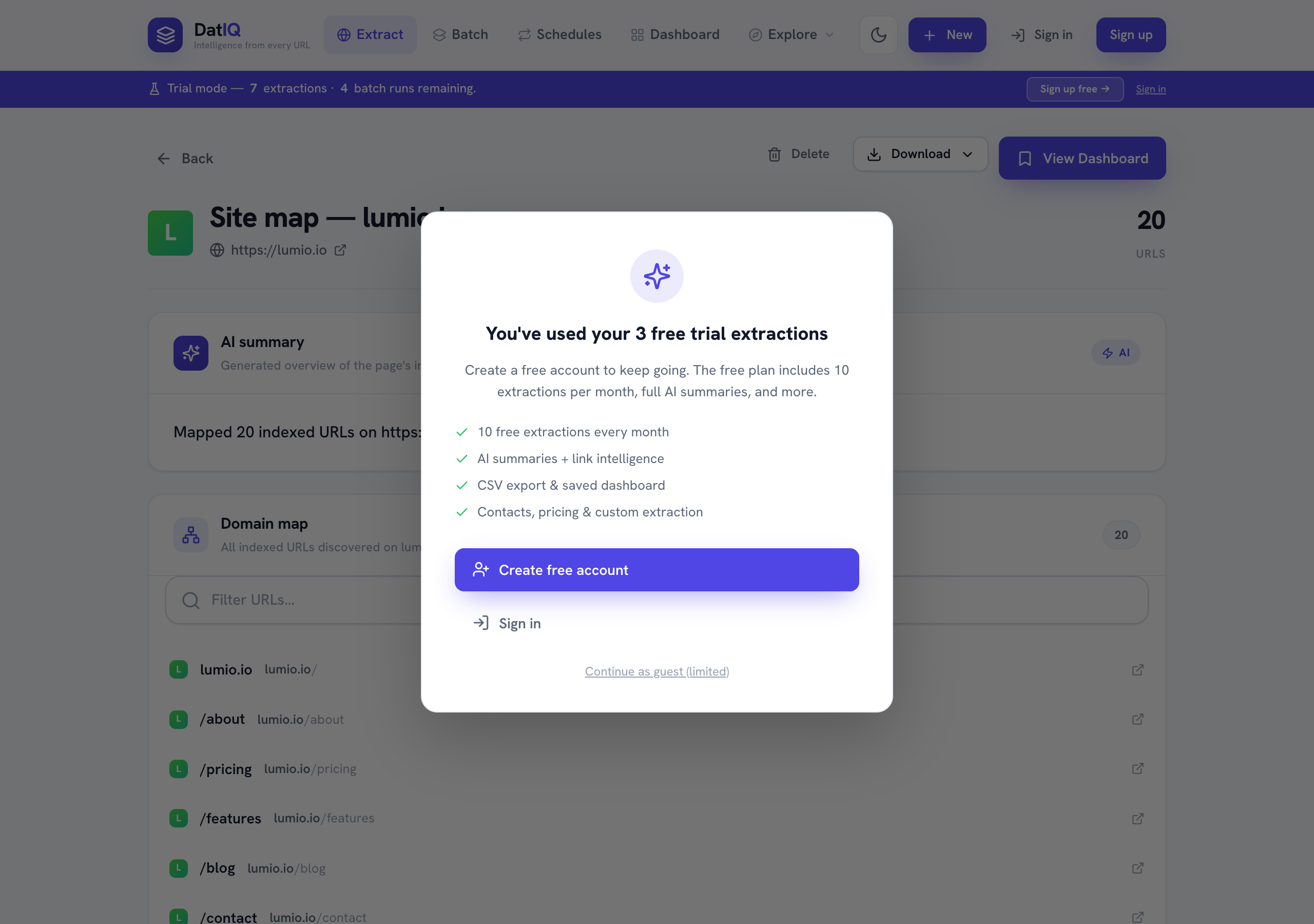
| Map site | A list of indexed URLs across the whole domain — useful for SEO and site audits. |
| Custom… | Describe any field in plain English and DatIQ extracts just that. |
Advanced options (the link under the chips) let you fine-tune a run. These apply to single and batch runs, so a setting you pick here survives when DatIQ routes a multi-URL paste into a batch:
- Render JavaScript — waits a few seconds for React/Vue/Angular pages to finish drawing before reading them.
Use it when a page looks empty in the results but fine in your browser.
- Generate AI content for each URL — drafts content per result as the run goes (adds roughly 1–2 s per URL).
Pick the content type — SEO blog outline, competitor summary, or social posts — from the chips that appear. Not available in Map site mode.
When you import a CSV, DatIQ also shows which column it detected the URLs in, so you can confirm it picked the right one before running.
When you choose Map site, the Preview shows the discovered URLs grouped for easy scanning: