The template hub
The template hub is where DatIQ's twenty templates live.
The template hub is where DatIQ's twenty templates live. Open it from Explore → Templates.
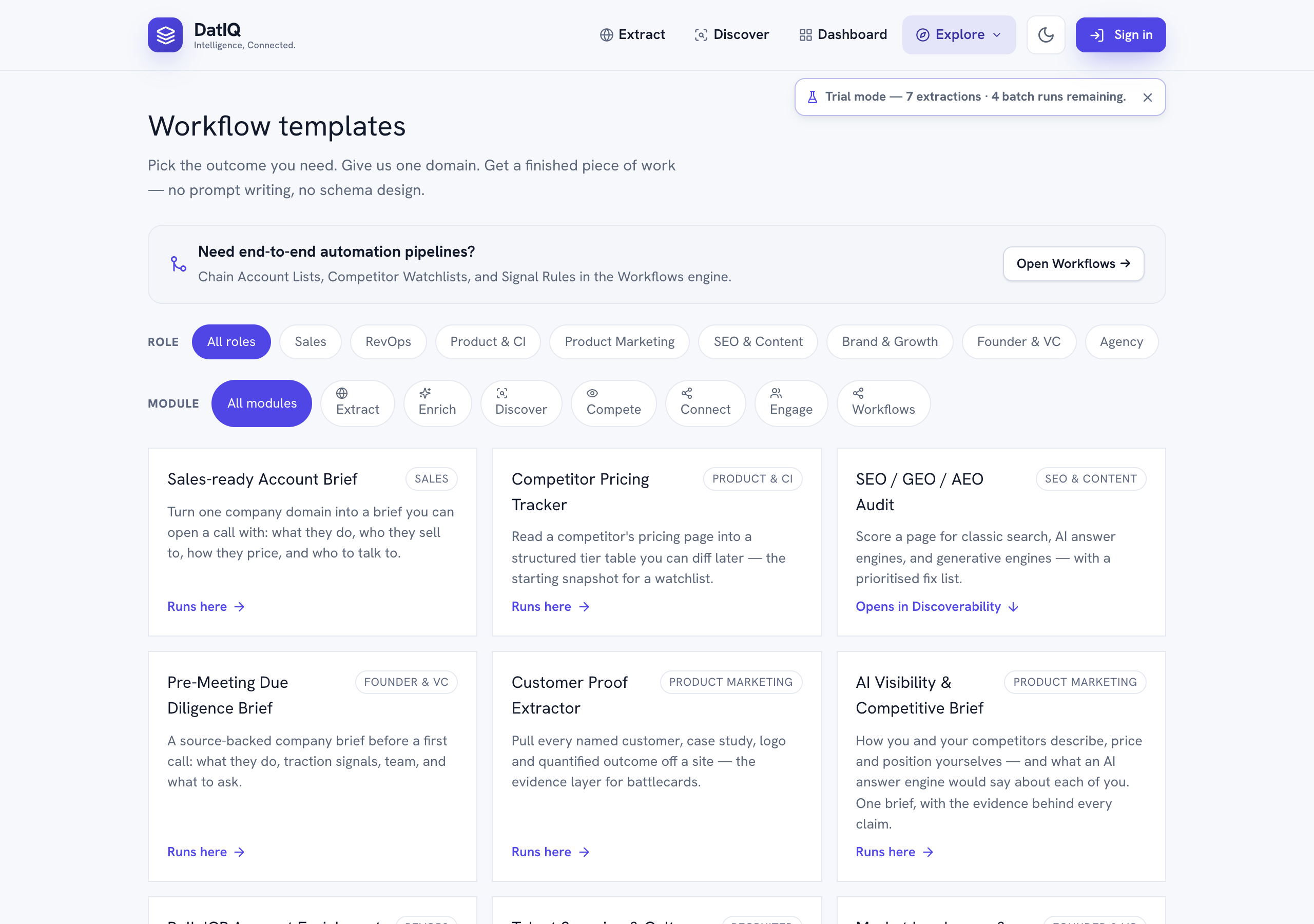
- Filter by role and by module. The hub opens on your role (see §18); choose All roles to see the
whole catalogue. A template can belong to several roles — an account brief is as useful to RevOps as to Sales — so it appears under each.
- Templates that run. Give them a domain or a list, check the cost estimate, and confirm. Nothing is
spent until you do. A run keeps going if you leave the page; it reports through the progress dock.
- Templates that hand off. Some templates — Competitor Change Monitor, ICP List → CRM,
Price-change Alert to Slack, Business Truth Setup and others — do not run at all. They open the screen that does the job, such as a watchlist, an account list or a rule, with the fields already filled in. You review and save there. A hand-off never charges on its own.
If the template service is briefly unavailable, templates that run are held back with a notice, while hand-offs keep working — they only open another screen.