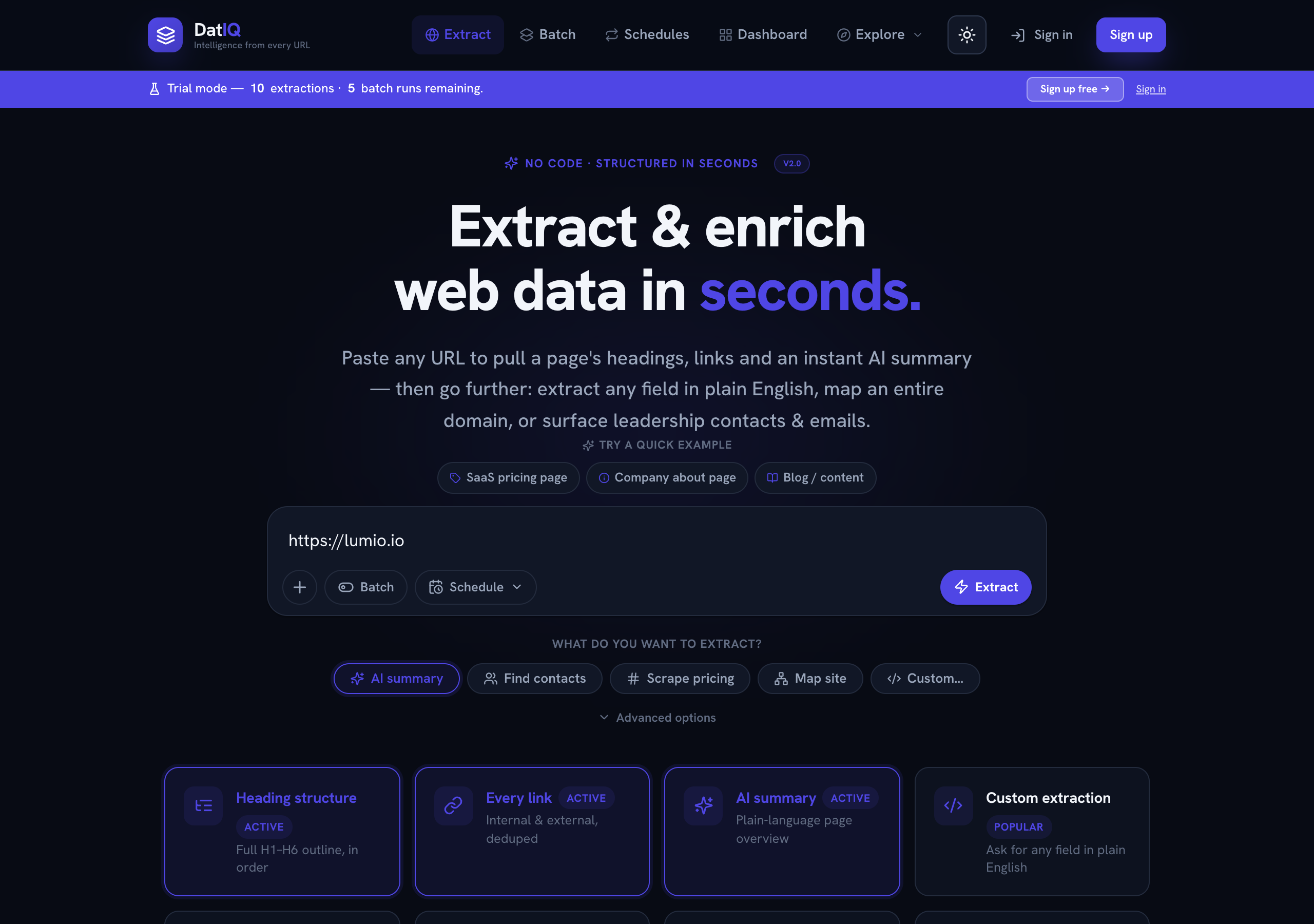
What DatIQ is
DatIQ is the unified web intelligence platform — it turns the public web into the specific piece of
DatIQ is the unified web intelligence platform — it turns the public web into the specific piece of work your team was going to do by hand, and then keeps doing it.
Most tools in this space stop at extraction: they hand you fields and leave the thinking to you. DatIQ runs the whole loop.
- Read — give it a web address and it returns clean, structured information: headings, links,
contacts, pricing, firmographics, or anything else you can describe in plain English.
- Reason — a workflow template turns those fields into the finished artefact: an account brief, a
competitive comparison, a scored account list, a discoverability audit.
- Watch — a watchlist re-reads what matters on a cadence and works out what actually changed.
- Act — a routing rule pushes the change that matters into Slack, your inbox, a webhook, or your CRM.
- Share — any result becomes a report at its own link, with the access level you choose.
No code, no browser extensions, no scrapers to configure. If you only want step 1, step 1 works on its own and always will — but the reason teams keep DatIQ is that steps 2 through 5 remove the work between having data and having a decision.
Typical things people pull out of a page:
- Structure — the full heading outline (H1–H6) and every link, internal and external, de-duplicated.
- An AI summary — a short, plain-language overview of what the page is about.
- Contacts — leadership names, role titles, and contact emails where a page exposes them.
- Pricing — structured pricing tiers and plan details from a pricing page.
- Firmographics — industry, size band, pricing model, positioning and proof points for a company.
- A site map — the set of indexed URLs across a whole domain.
- Anything else — describe a field in plain English ("founding year", "office locations") and DatIQ extracts it.
DatIQ works in light and dark themes; use the sun/moon button in the top bar to switch. Your preference is remembered.
The one rule everything else follows
DatIQ never invents a fact. Every field it gives you is either observed — read directly off a page, with the page and the quote recorded — or inferred and labelled as inferred, or absent. There is no fourth option and no plausible-looking default.
That has a consequence worth stating plainly: an honest run sometimes comes back with less than you hoped. A company that does not publish its headcount produces a brief with no headcount in it. That is the correct outcome. Every score DatIQ computes therefore carries a coverage figure alongside it, so you always know how much of the picture the number is based on — because a confident number built from two of five signals is not the same claim as one built from all five, and a tool that hides the difference is a tool that will eventually cost you a deal.
What DatIQ is made of
| Layer | What it is | Where it lives |
|---|---|---|
| Web intelligence core | Single, batch and scheduled URL extraction — the engine everything else runs on. | Home, Batch, Schedules |
| Enrichment & insight | AI summaries, contacts, pricing, firmographics, generated content. | Preview, Dashboard |
| Intelligence workflows | Named end-to-end jobs — account briefs, competitive briefs, audits, bulk scoring. | Templates, Lists |
| Change intelligence | Standing watches on competitors, with materiality classification. | Watchlists |
| Signal routing | If-this-then-that delivery into Slack, email, webhooks and CRM. | Rules, Integrations |
| Distribution | Exports, pushes, shareable reports, branded deliverables. | Everywhere results appear |
| Collaboration | Shared workspaces, roles, seats, workspace-scoped reports. | Workspace |
| Programmatic access | REST endpoints and webhooks for building DatIQ into your own systems. | Business plans and above |